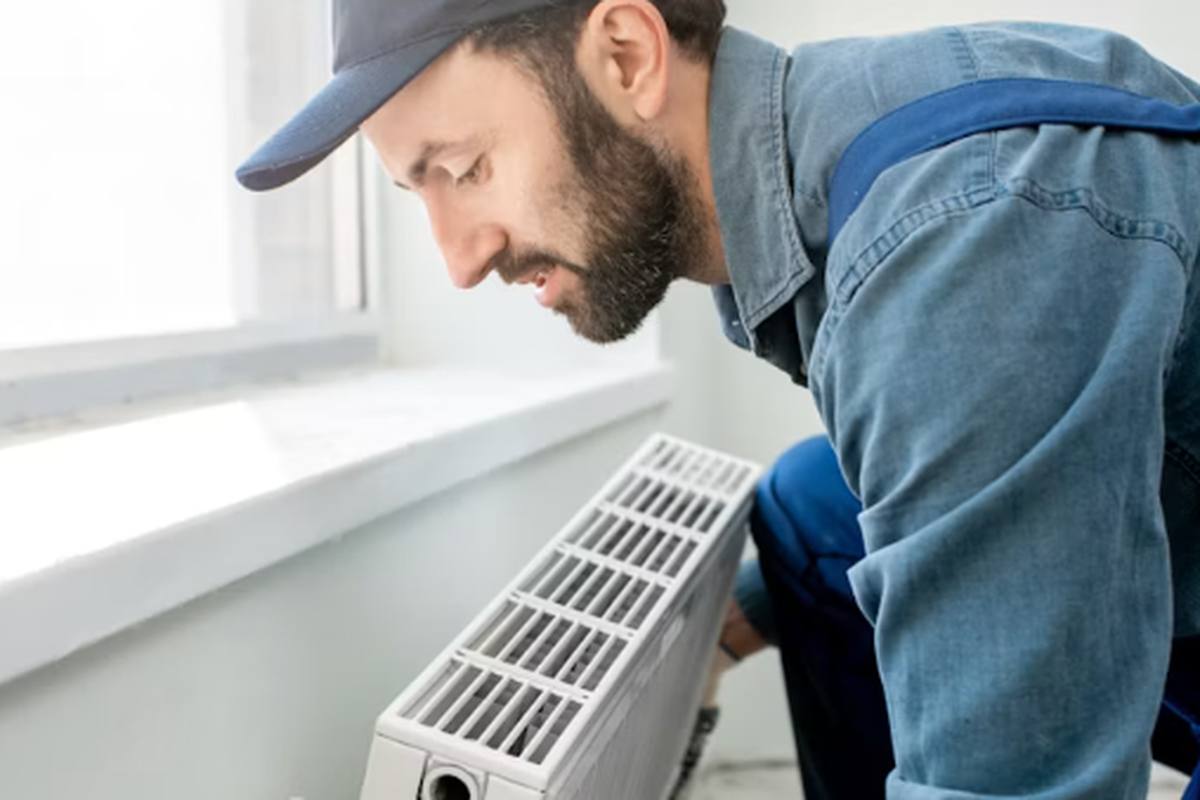
How to Choose an HVAC Contractor: 12 Questions to Ask
Equipment brand accounts for a small share of how your system performs. Installation quality accounts for most of it. Screen the installer harder than the box.
Connect this button to your email provider (Mailchimp, ConvertKit or Beehiiv) to start collecting subscribers. The form endpoint goes here.
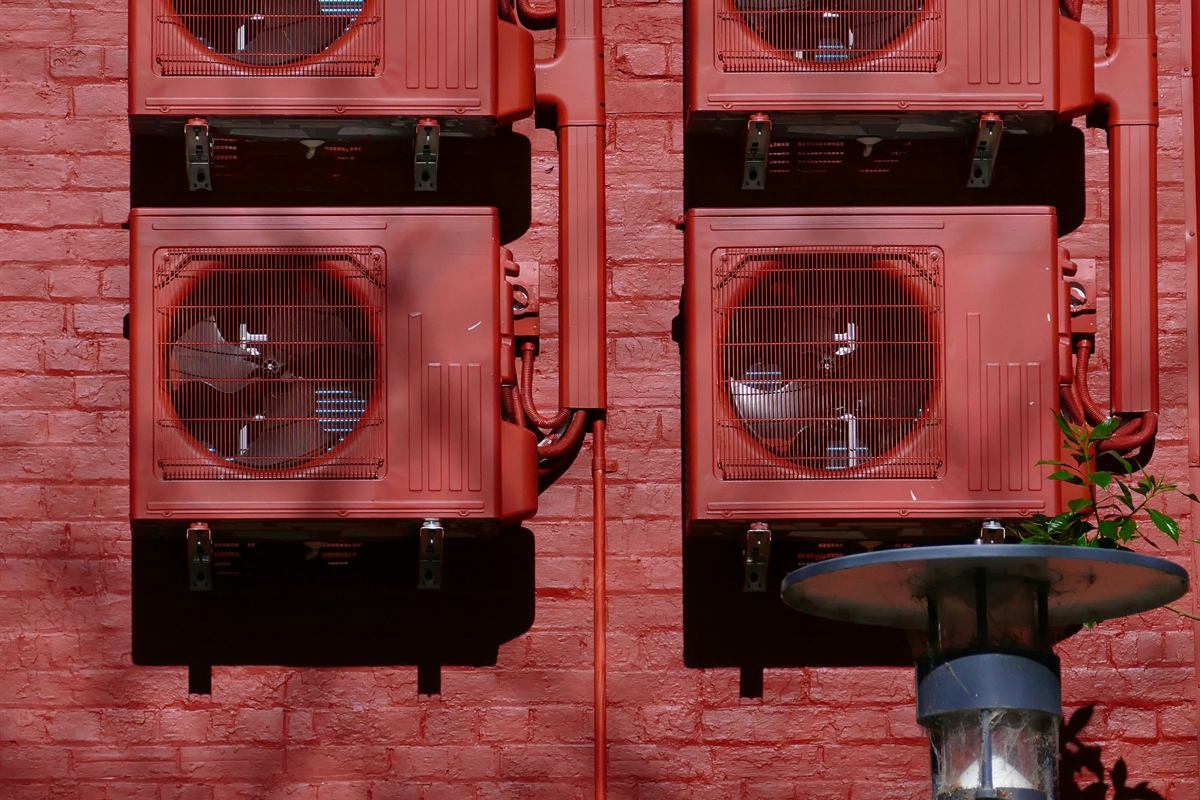
What you can read depends on your control platform. Infinity reports numbered faults and a history on screen; conventional systems blink an LED inside the panel.
Carrier is different from the mini split brands in an important way: the code you get depends heavily on which control system you have, not just which equipment. An Infinity system with a communicating thermostat reports detailed numbered faults on screen. A conventional Carrier system with a standard thermostat reports through a blinking LED on the control board inside the unit, and the same underlying problem produces a completely different indication.
So the first question is not "what does code 71 mean," it is "which control platform am I looking at."
Infinity or Evolution controls. A wall thermostat with a full colour touchscreen that displays system status, staging and fault messages directly. These are communicating systems, meaning the thermostat, indoor unit and outdoor unit exchange data continuously. Faults appear as numbered codes on the thermostat, and the same controls expose a fault history you can scroll through.
Conventional controls. A standard thermostat with wires for heat, cool, fan and reversing valve. Faults are reported by an LED on the control board, visible through a sight glass or by removing an access panel, using a flash pattern documented on a label inside that panel.
The label inside the access panel is the authoritative chart for your specific unit, and it is worth photographing so you have it without opening the equipment next time.
The advantage of the communicating platform is that it stores what happened rather than just what is happening. Through the thermostat's service or advanced menus you can retrieve a list of recent faults with the conditions attached, which is often far more useful than the current state.
This matters for intermittent problems. A system that misbehaves once a week and looks perfect when the technician arrives is nearly impossible to diagnose live, and the stored fault history is what makes it tractable. If you are calling for an intermittent problem, retrieving that history before the visit is the single most useful thing you can do.
Carrier's numbered codes span several product generations and lines, and the same number does not always mean the same thing across them. What does hold consistent is the grouping:
| Category | What it covers | Who fixes it |
|---|---|---|
| Sensor faults | Thermistors out of range, damaged or poorly connected | Technician, usually inexpensive |
| Communication faults | Control board cannot reach the thermostat or another board | Technician; wiring is a common cause |
| Pressure and refrigerant faults | High or low pressure trips, charge problems | EPA 608 certified technician only |
| Thermal cutouts and lockouts | Overheat protection tripping, sometimes locking out for hours | Technician; often airflow-related |
| Inverter and compressor faults | Internal drive or compressor problems | Technician; potentially expensive |
| Defrost faults | Cycle not initiating or not terminating correctly | Technician |
| Electrical supply | Blown fuses, tripped breakers, voltage problems | Check the breaker first, then call |
Some specific codes reported on Greenspeed and Infinity systems include 69 for an inverter or compressor internal fault, 71 for a thermal cutout when starting in low stage, and 81 for a four-hour thermal lockout in low stage after an overheat condition. Treat these as illustrative of the numbering rather than as a complete list, and check them against your own documentation.
The behaviour that generates the most alarm on Carrier systems is a thermal lockout. After repeated overheat trips, the control deliberately locks the affected stage out for a set period, commonly a few hours, to protect the equipment.
From the homeowner's side this looks like a system that has died and will not respond. It has not. It is waiting out a protective timer and will resume on its own. Cycling power to force it back does not fix the underlying overheat condition, which is usually restricted airflow: a clogged filter, closed registers or a dirty coil.
If your system locks out repeatedly, the fix is almost always airflow, and it is worth checking that before assuming a component failure.
Where do I find fault codes on a Carrier heat pump? On Infinity and Evolution systems, on the thermostat screen and in its fault history. On conventional systems, from the LED flash pattern on the control board inside the access panel, decoded using the label inside that panel.
Why do published Carrier code lists disagree with each other? Because Carrier spans multiple product generations and control platforms, and numbering is not consistent across them. Lists compiled from one line get copied without noting which. Your unit's own documentation is the only reliable source.
My system stopped and started again by itself hours later. Was that a fault? That pattern is characteristic of a thermal lockout, where the control disables a stage for a set period after repeated overheat trips. The restart is normal behaviour; the overheating that triggered it still needs addressing, and airflow is the usual cause.
Do Bryant systems use the same codes? Bryant is the same parent company with largely shared engineering, and the platforms are closely related, so codes are frequently the same or similar. Confirm against Bryant documentation rather than assuming, and see our brand comparison for how the two lines relate.
Homeowners who collect three written quotes typically save 12–18% on the same system. Tell us your ZIP and we will connect you with licensed installers in your area.
Diagnostic steps here are ordered by how often each cause turns out to be the answer, not by how serious it is. That is deliberate: working the common causes first is what saves you a service call, and the rare-but-severe ones are flagged where they apply.
Primary references for the figures and procedures on this page. Where a number here is a range drawn from field experience rather than a published measurement, it is labelled as such in the text.
Last checked September 2026. Rebate amounts and program status change frequently; always confirm against the official program page before you sign a contract.
Equipment brand accounts for a small share of how your system performs. Installation quality accounts for most of it. Screen the installer harder than the box.
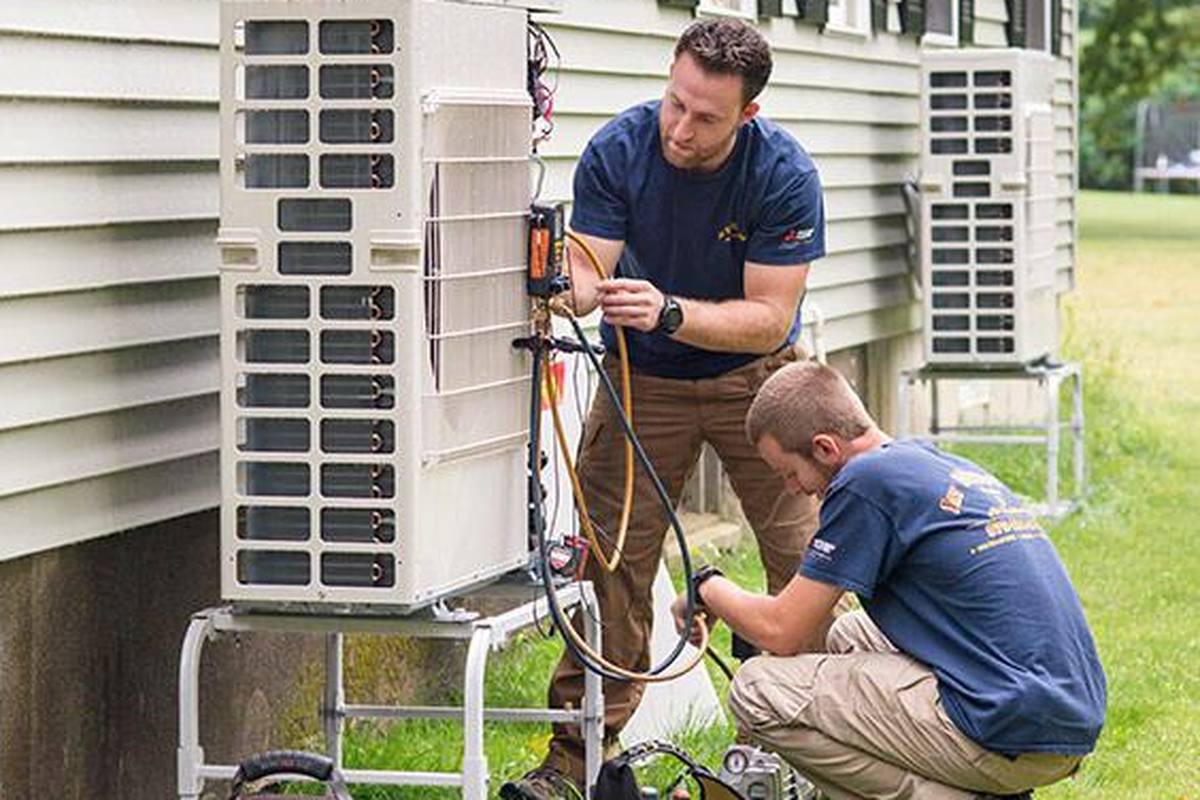
Installed prices run from $5,500 for a straightforward single-zone swap to $22,000 for a whole-home ducted system with electrical work. Here is what drives the difference.
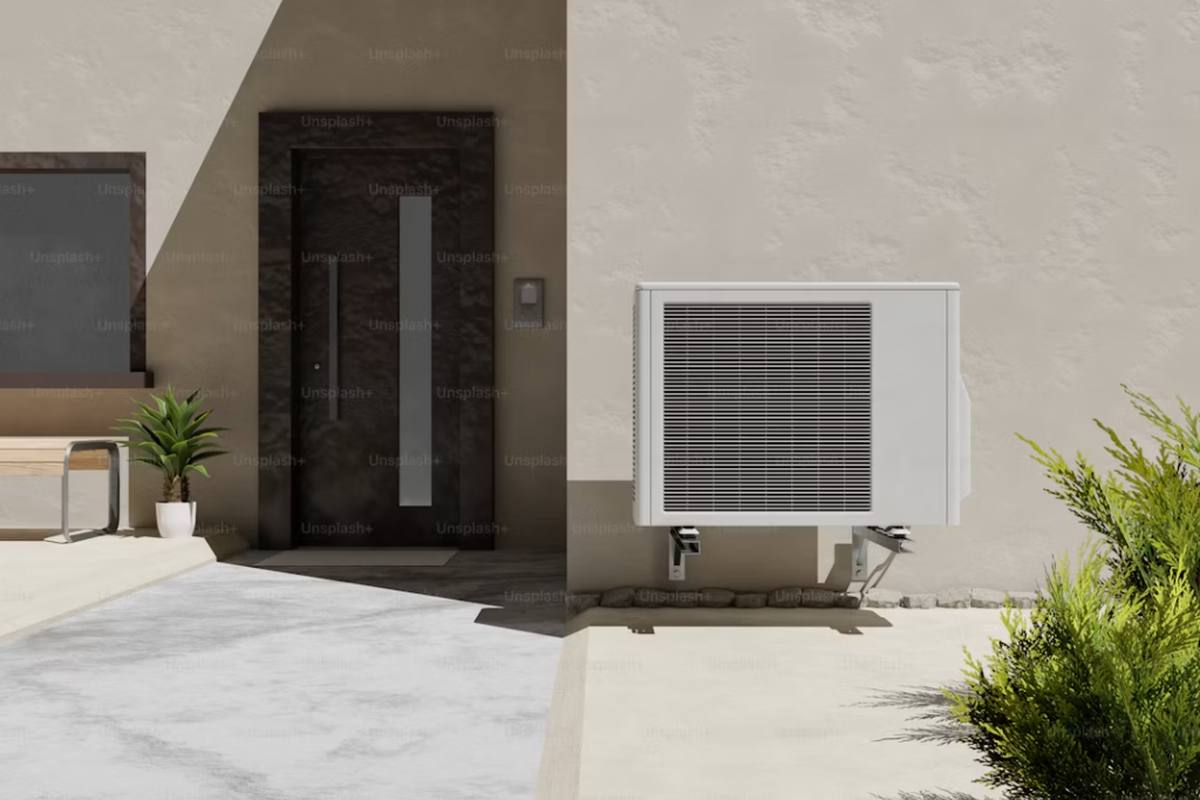
The first zone carries the outdoor unit and most of the labor. Every zone after that is comparatively cheap — until you cross the multi-head threshold.

The short answer is yes, and modern cold-climate units are rated to keep producing useful heat down to -13°F. The longer answer is about capacity, not failure.